
…
Read MoreMLDONKEY change download directory

Projects and Ideas



ACM SIGSOFT SOFTWARE ENGINEERING NOTES vol 10 no 2 Apr 1985 page 19
https://portalparts.acm.org/1020000/1012621/fm/frontmatter.pdf
The Parable of the Two Programmers, Cont…
Once upon a time, unbeknownst to each other, the “Automated Accounting Applications Association” and the “Consolidated Computerized Capital Corporation” decided that they needed the identical program to perform a certain service.
Automated hired a…
Read More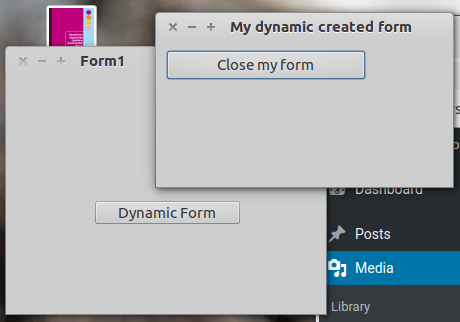
Just click on File | New … and a Form opens up. Select Project | Application and Unit1 – Form1 shows up in the editor. Add a TButton from the Standard Tab to the current Form1.
Edit Caption attribute from the just …
Read More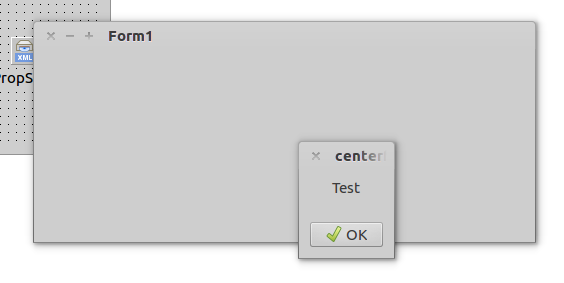
[multilanguage_switcher layout=”drop-down-list”]
Let’s make a program that centers a couple of forms. One will center relative to the screen, and the other form will be centered relative to the first form….
Read More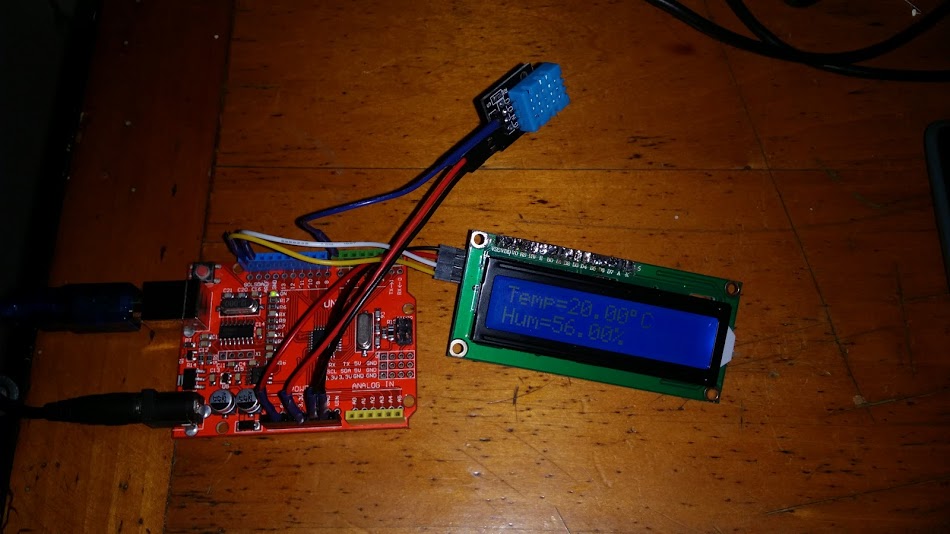
[multilanguage_switcher]
DHT11 is a quite simple to use component. It has low precision and is quite slow to read, but is good enough for most ambient control applications. It consists of a resistive humidity sensor and a Negative Temperature…
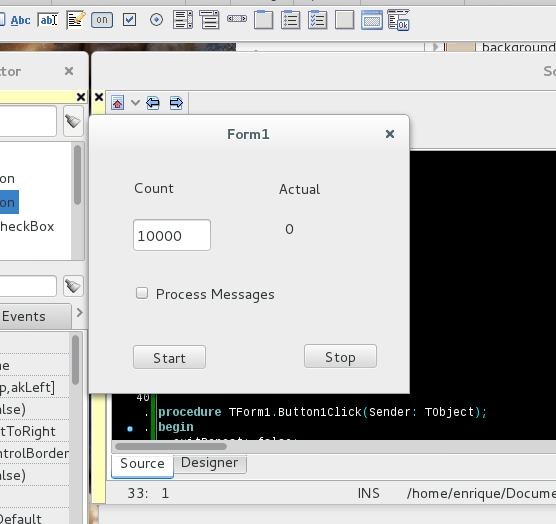
[multilanguage_switcher] Let’s call Typhon. Our IDE pops up. If we were working on another project, it will open it as default. Otherwise we should create or open one. In this case we create one. At the menu select File | New… A form pops up listing all possible kinds of projects. By selecting one of these, the project is filled up with template code by the development environment. Select Project | Application and Ok. This creates an Application Project, with some already done code. To continue working on it we must…
Read More